The island
A small pill at the top that slides in with the music, shrinks to Paused and flips the cover when you skip.
Beta · Fabric 1.21.1 to 26.3
TuneCraft reads what's playing in Spotify or Apple Music and shows the lyrics in time, word by word. No login, no keys, nothing to set up.
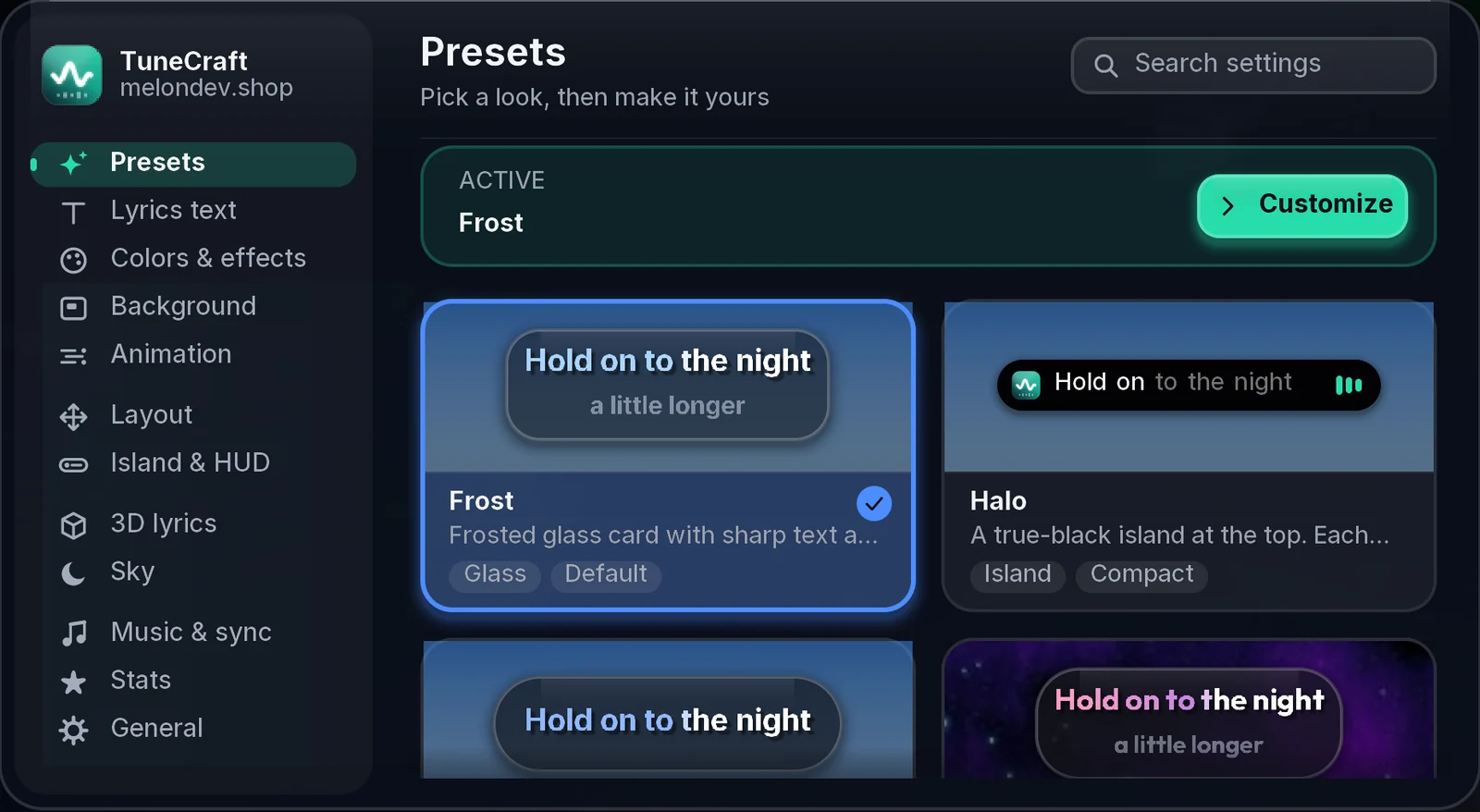
This is the real thing. Pick any page in its sidebar. In game, press K: every change shows in a live preview, less used options fold under More options, and search finds them all.
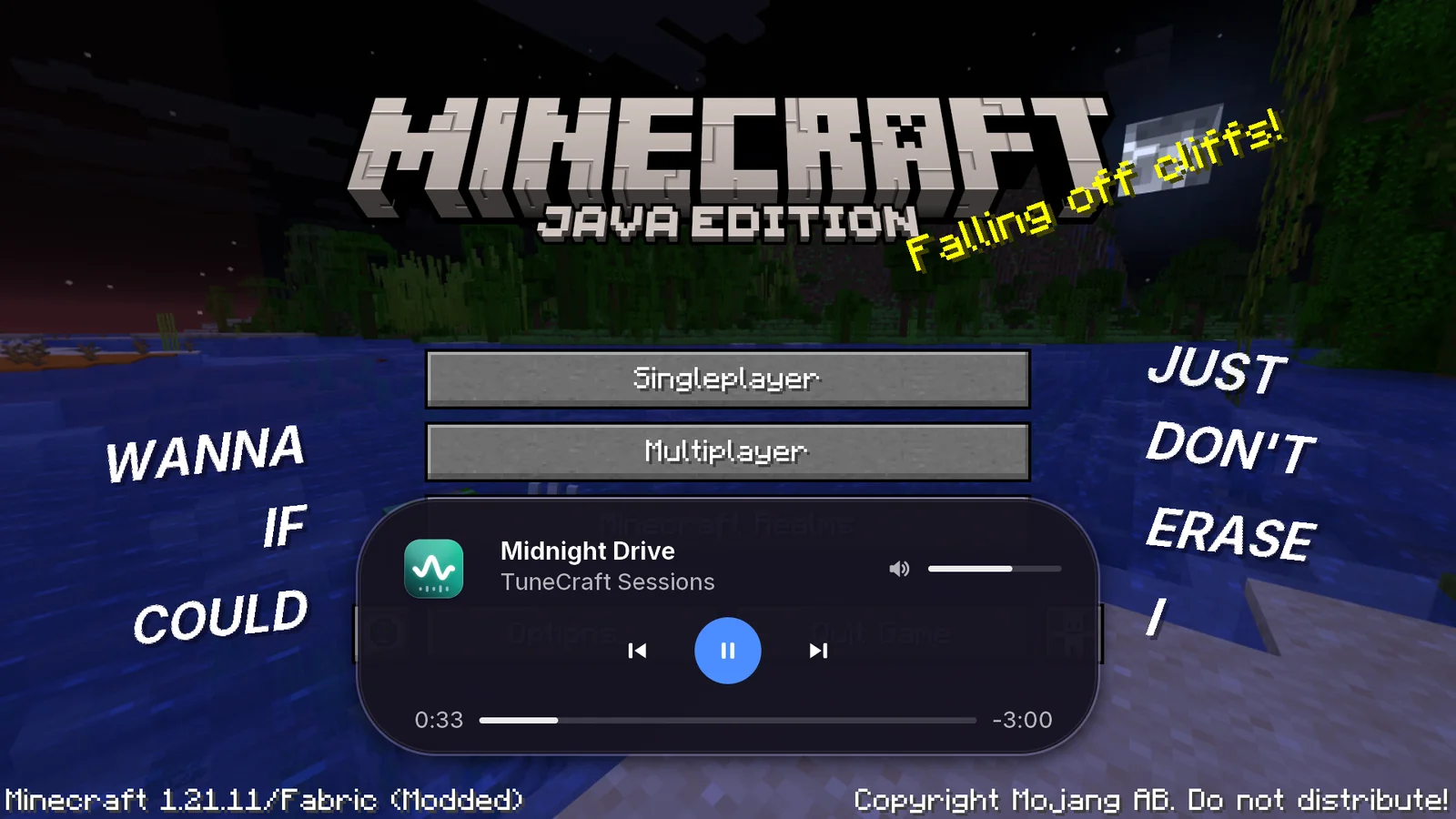
Hover the island on the title screen and it opens into the full player: cover, seek bar and volume. In game, a key or chat does the same.
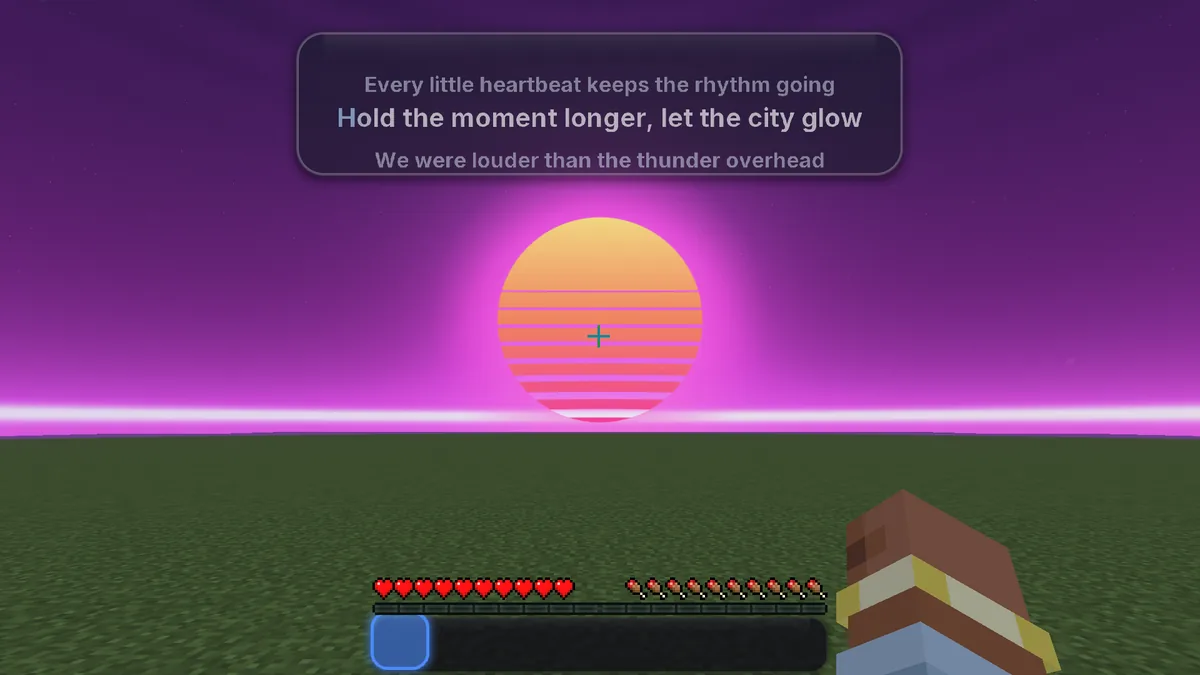
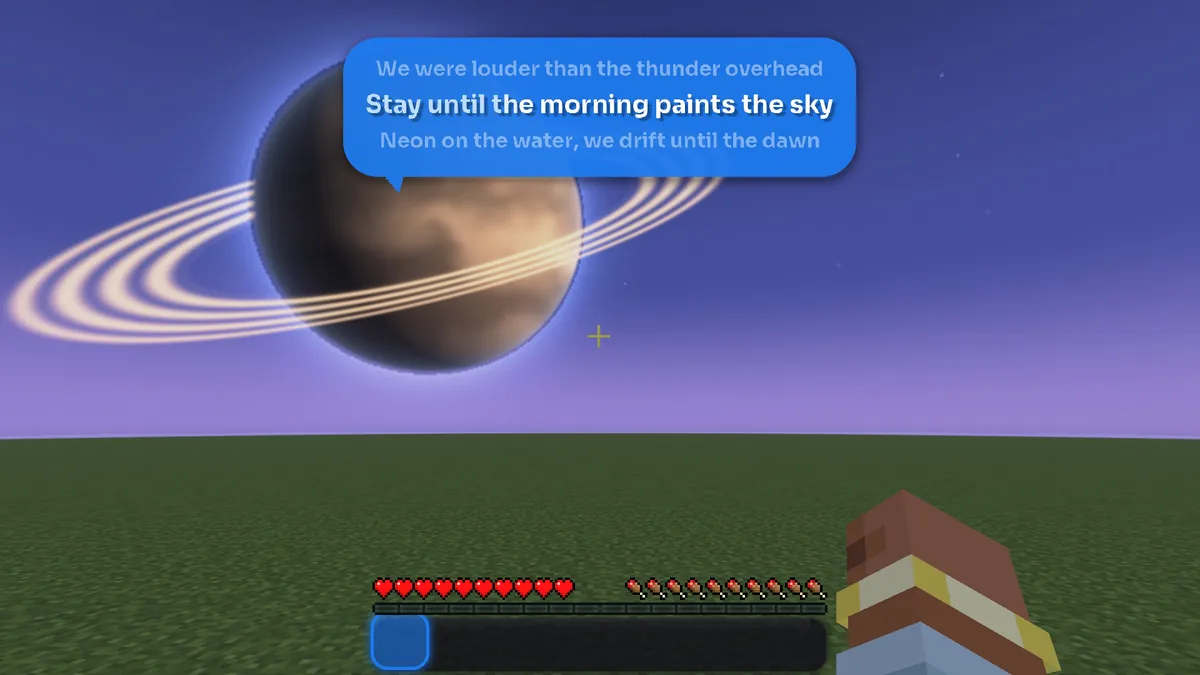
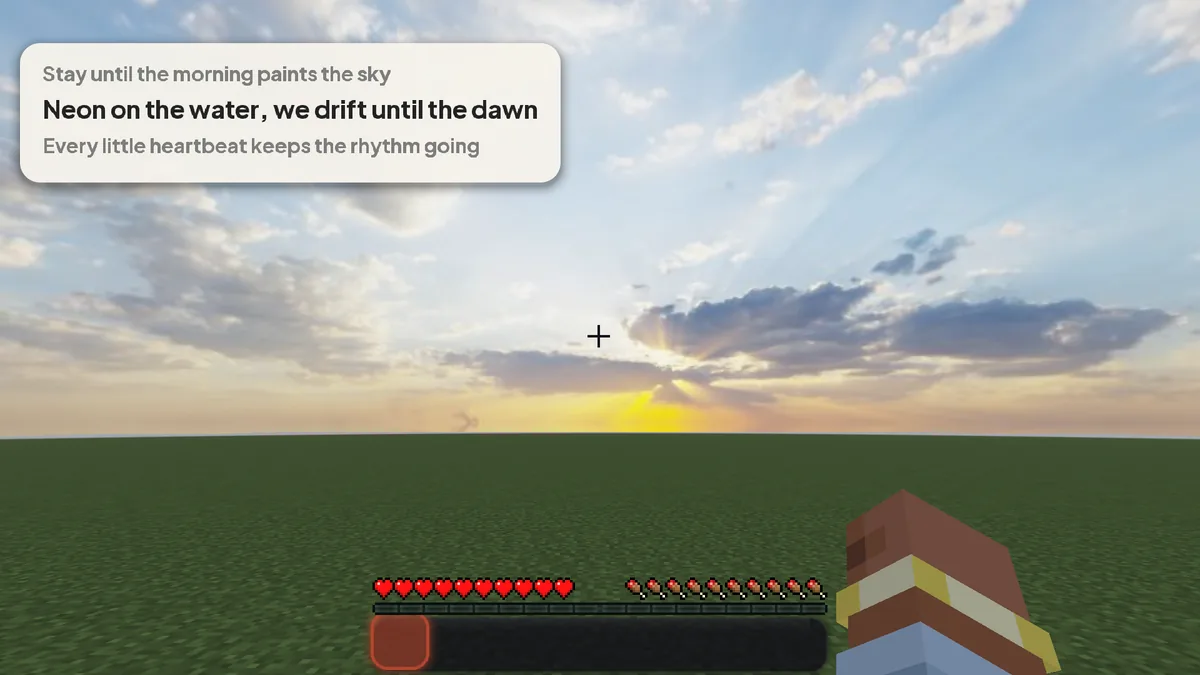
Start a song and the lyrics show up. Everything else is there when you want it.
A small pill at the top that slides in with the music, shrinks to Paused and flips the cover when you skip.
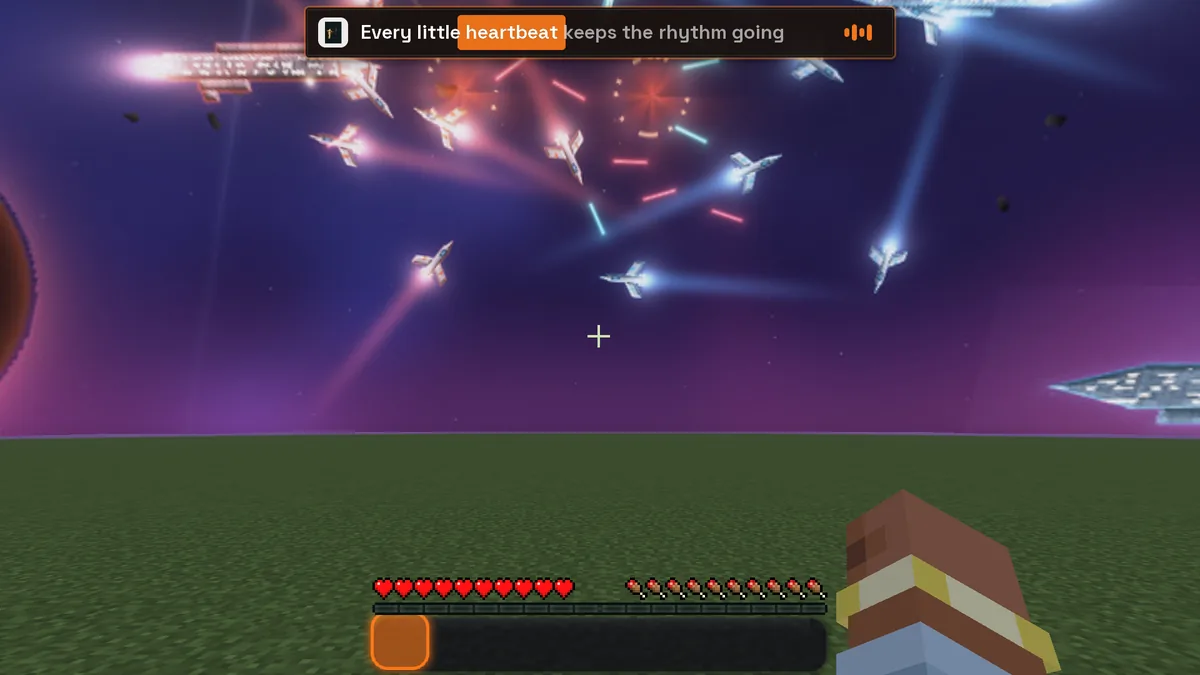
Lines pulse, glow and flash with the song. Music bars move like a real level meter.
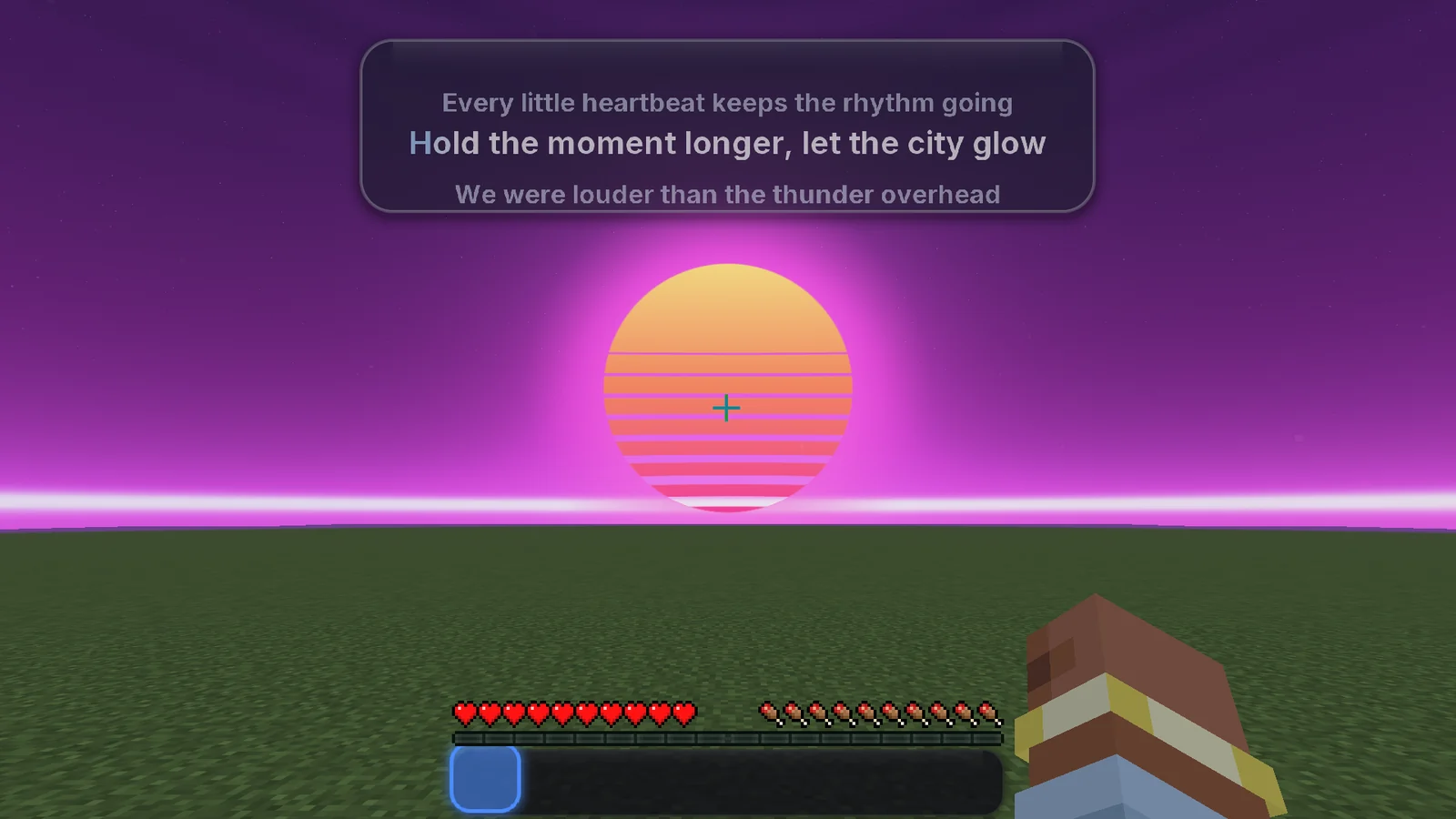
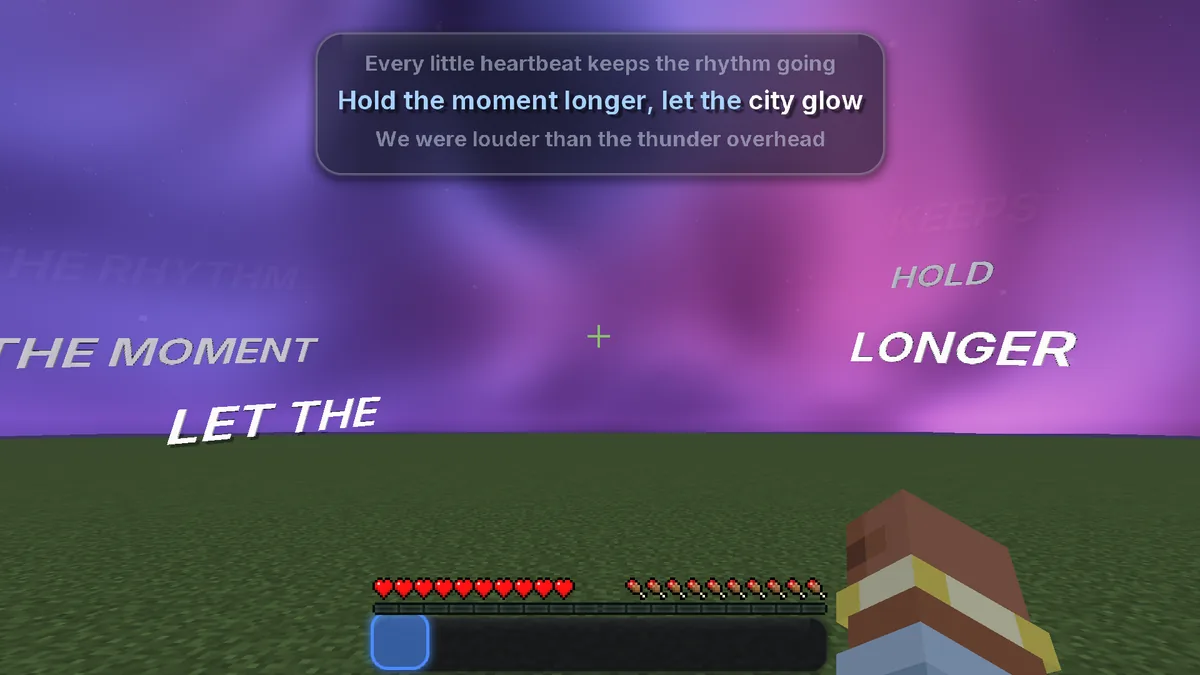
Sung words float in the sky, on the sides of your screen or above your head. They shrink to fit and stay out of PvP.
Japanese, Korean, Hindi and more in clean fonts, with romaji and translations under each line.
A now-playing card floats over players with TuneCraft. Type /np to share yours in chat.
Previous, pause, next, seek and volume, from a key, from chat or from the title screen.
Every preset brings its own font, colors and animation. Change anything, save it, and share it as a short code.
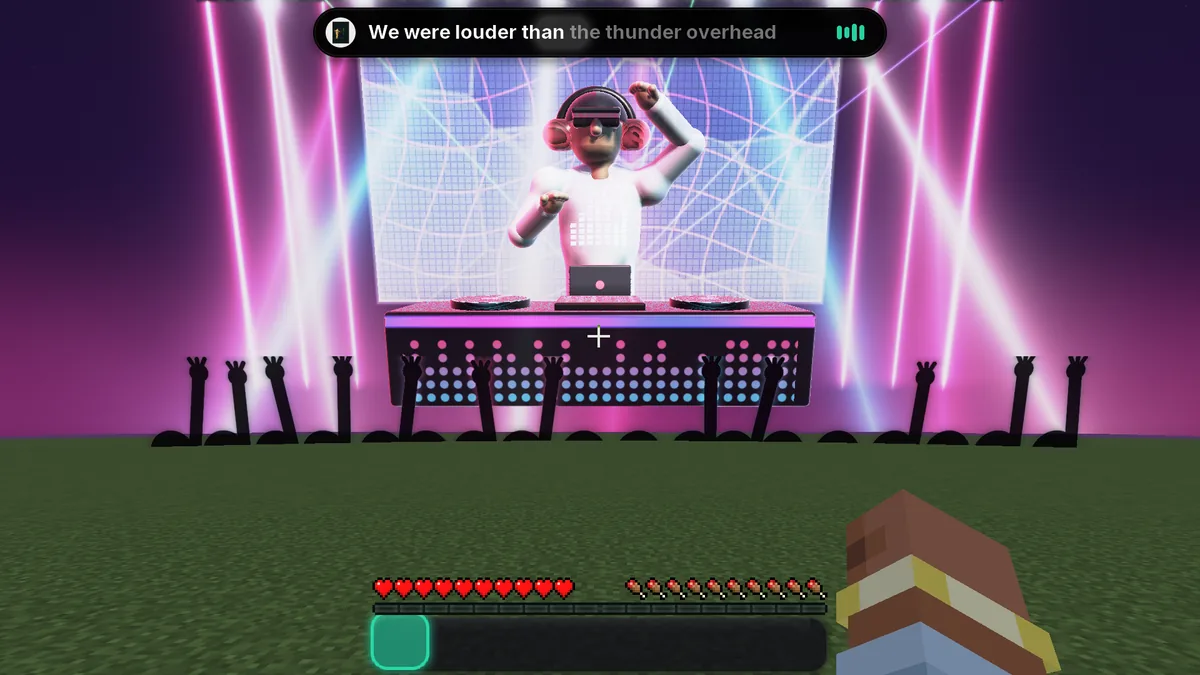
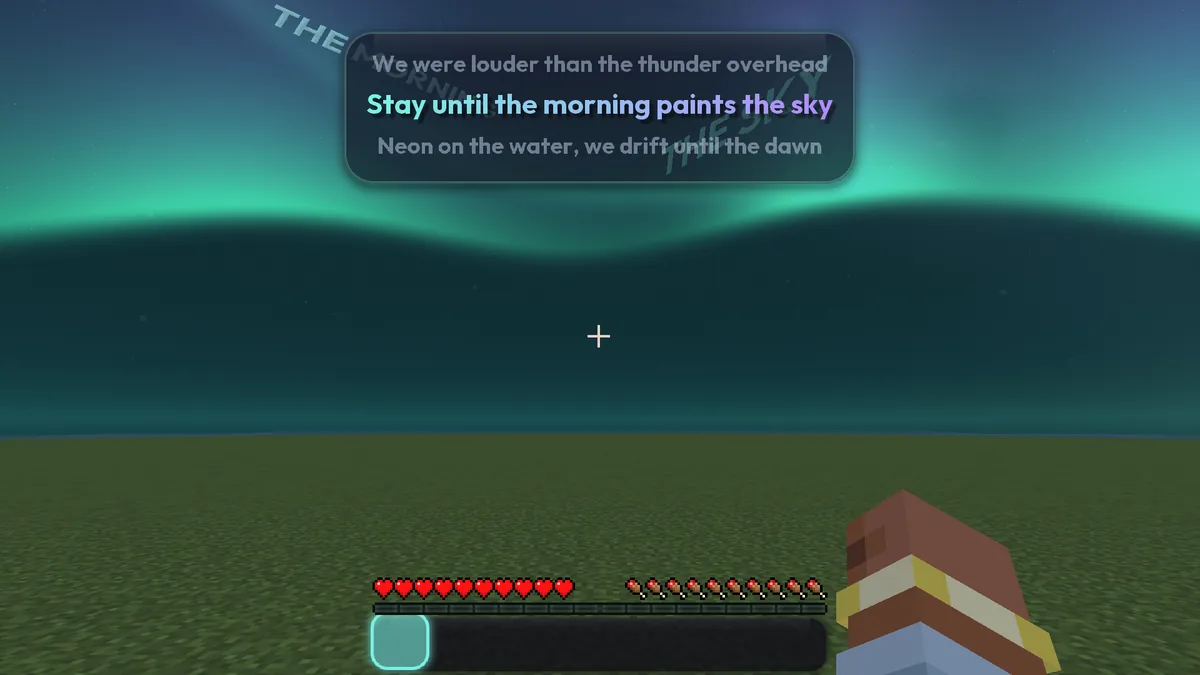
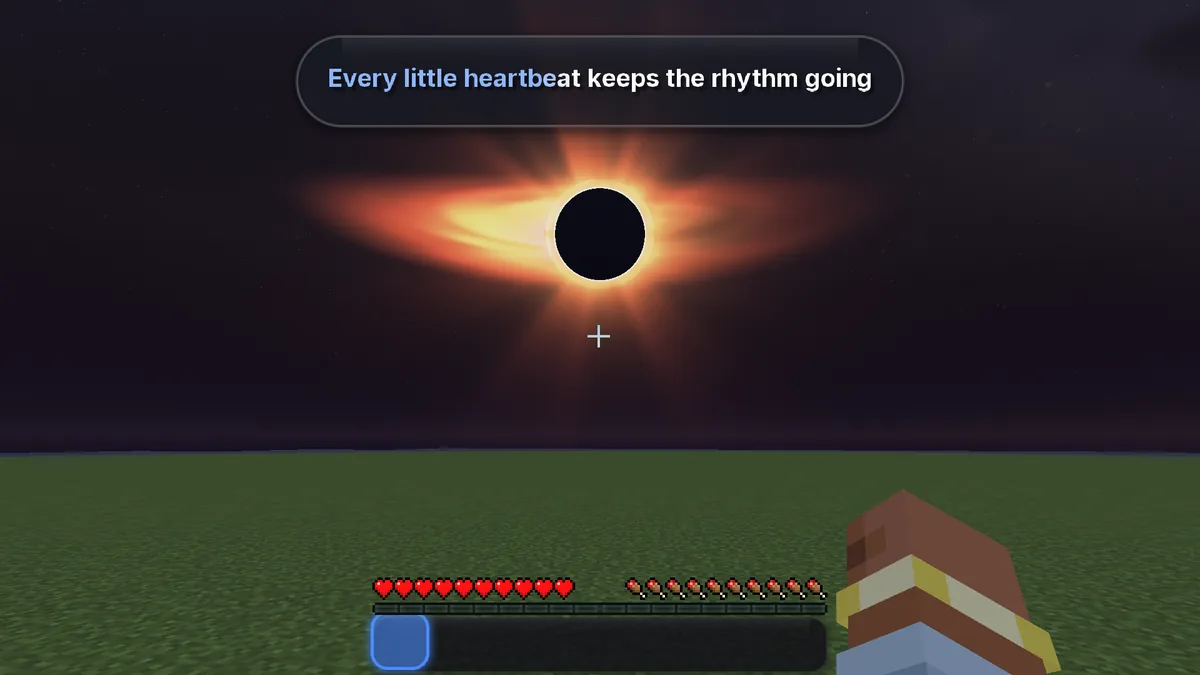
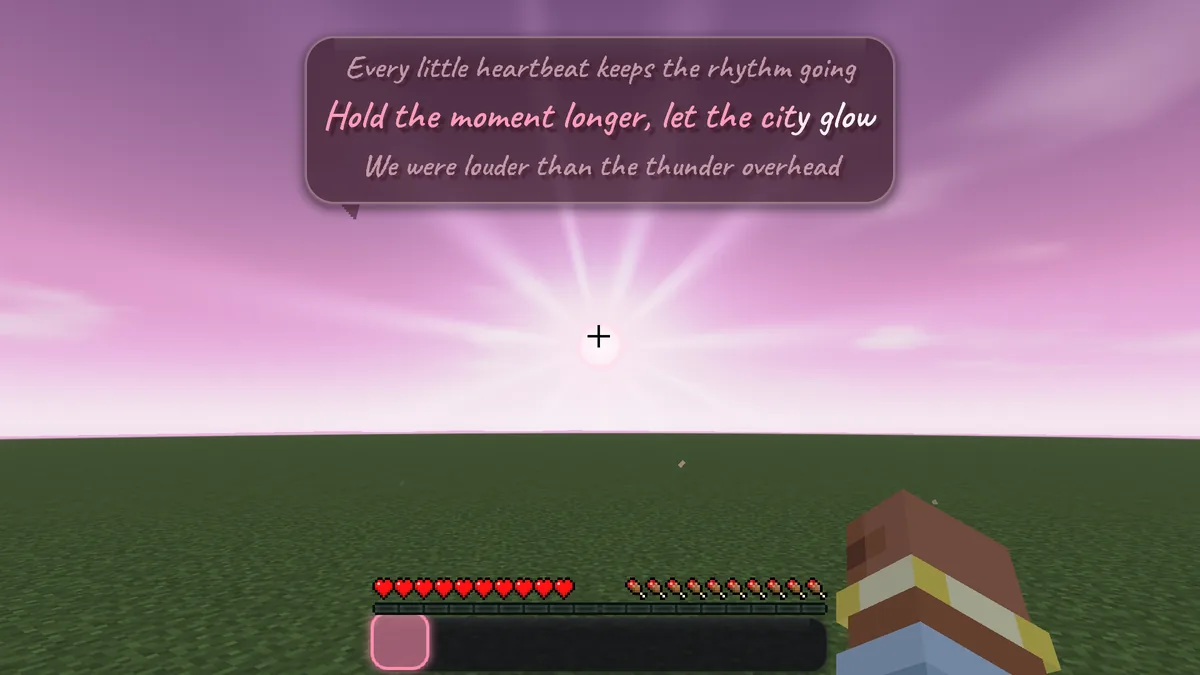
| Spotify | Apple Music | Other players | |
|---|---|---|---|
| macOS | Yes | Yes | No |
| Windows | Yes | No | Yes via media controls |
| Linux | Yes | No | Yes via MPRIS |
Lyrics come from LRCLIB. You can also drop your own .lrc files into the lyrics folder.
Beta
While Modrinth reviews it, the beta lives on our Discord. It's free.
mods folder with Fabric API, then press K in game.Running a server? Fabric servers can use the same jar. Paper and Spigot servers use the TuneCraft Relay plugin so players see each other's songs.

melon Owner
melonsseed
Built TuneCraft. More work at melondev.shop

Entity
entity11124
M4lo_
M4lo_

natsuki
vastttt

Hitman
Undone
Beta testers. Thanks for every bug report.
No. TuneCraft asks your computer what's playing, the same way your keyboard's media keys do. There's no account, no API key and no setup.
Yes. The lyrics are all on your side, so you can join any server. To see other players' songs, the server needs TuneCraft (Fabric) or TuneCraft Relay (Paper and Spigot).
It's built to stay light. It works with Sodium and Iris, and the skies have a low detail mode for older computers.
That's how TuneCraft reads the current song. Click OK once and it won't ask again.
Slurs in many languages show as n***** while the music plays as normal. Regular swearing stays, and you can add your own words.